Capture incoming enquiries
Enquiries from a website, phone, social networks or other channels can be recorded and assigned to the right person when the required sources and connections are configured.

A shared sales process helps the team see where an enquiry came from, who owns it, what was agreed and what should happen next. A CRM is the tool that supports that process.
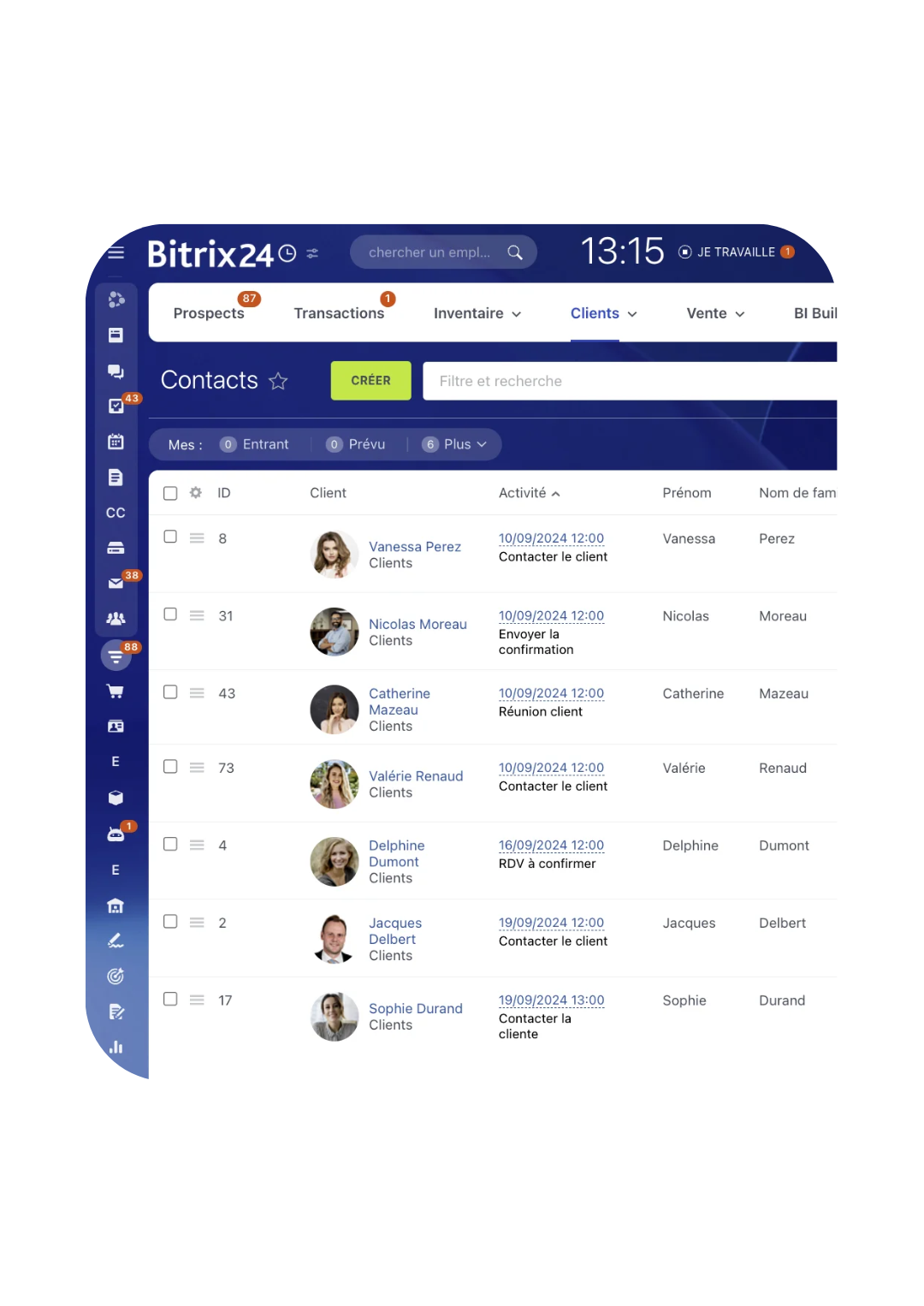
From first contact to follow-up after a quote, customer information is kept in a record available to authorised people. The team can continue the conversation without rebuilding its history.
Enquiries from a website, phone, social networks or other channels can be recorded and assigned to the right person when the required sources and connections are configured.
Bring together contact details, conversations, documents and decisions for a company or person. Fields and access rights are set around actual needs.
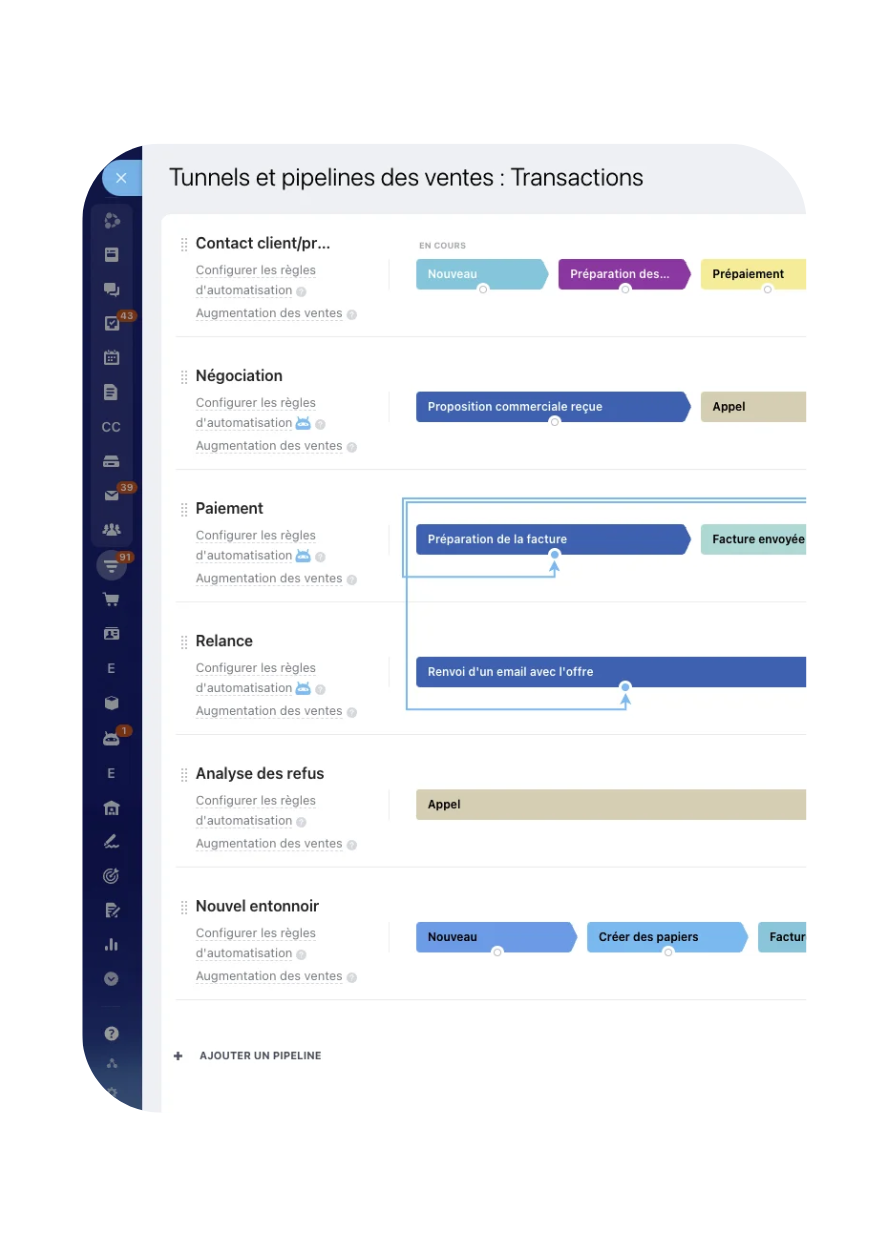
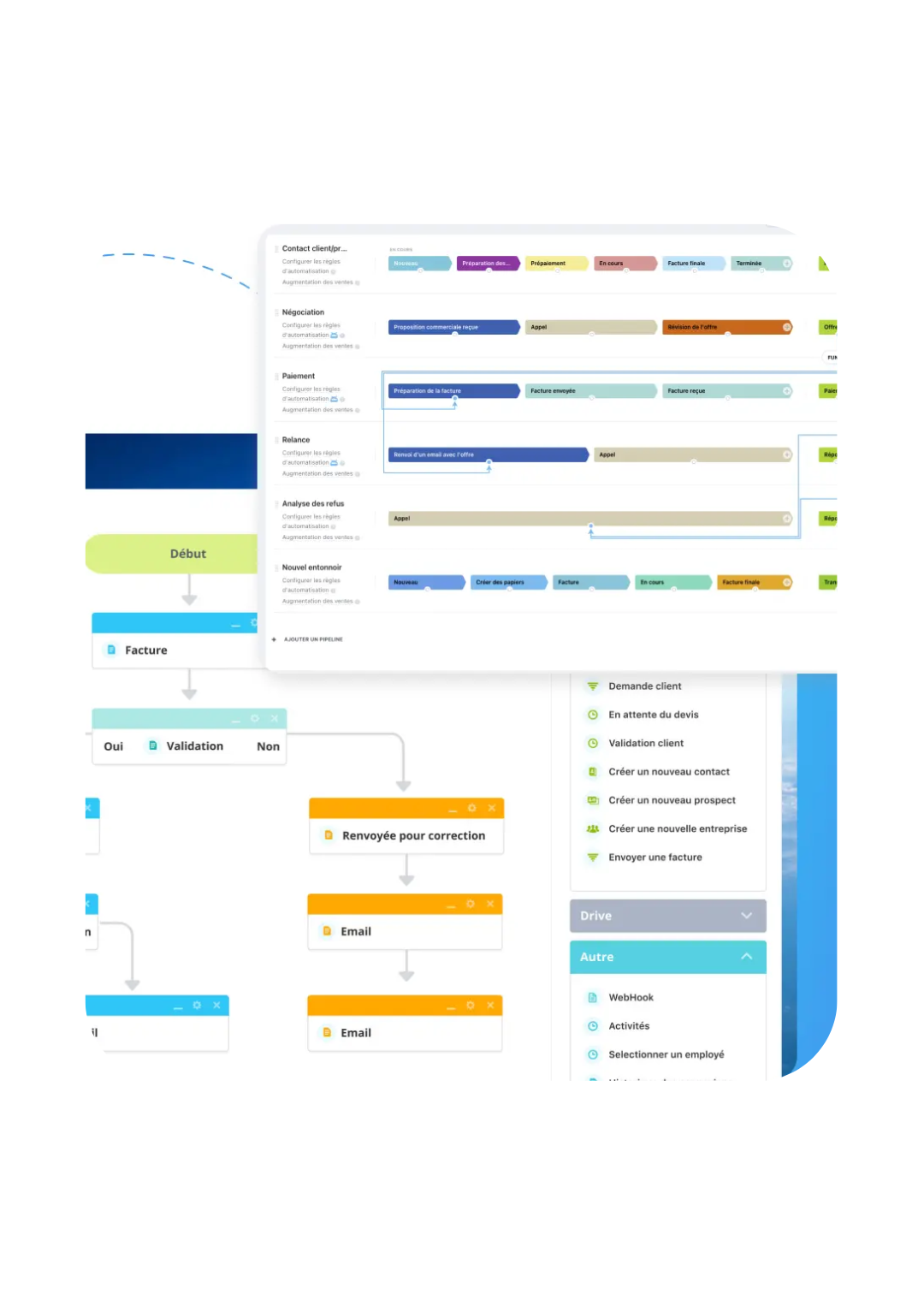
Set up stages that match the company’s sales cycle and use separate pipelines when different activities follow different rules.
Create reminders, tasks and notifications from an agreed stage change or rule. A person remains responsible for exceptions and important decisions.
Depending on the platform, an assistant can suggest a draft, summarise a conversation or help prepare a task. The team reviews content and decisions.
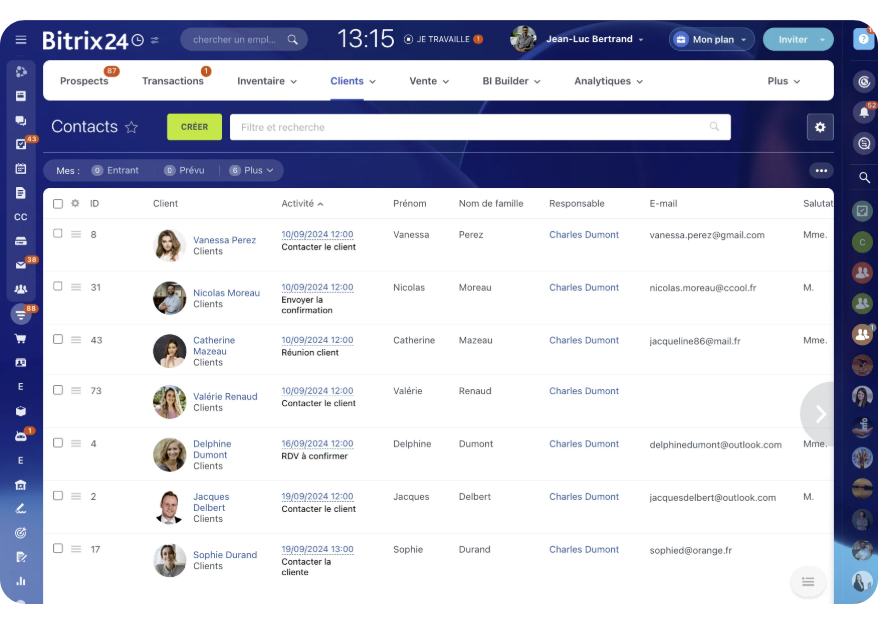
The team can see open enquiries, their owner, stage and planned next action. Managers can spot records waiting for a response or decision.
Illustrations from the original OptimaBiZZ pages. Available screens depend on the selected platform and its configuration.

A web form, email, phone call, social network or campaign can feed the process when the source and required connections are configured.
Yes, if the selected platform and connections support it. Communications are attached according to company rules; call recording is not enabled by default.
Yes. Stages and pipelines are shaped around the company’s actual sales cycle. Separate pipelines can be useful when activities follow different paths.
Records can include information needed for follow-up. Fields should be limited to data the organisation actually needs.
Yes. A rule can create a task, notify someone or prepare a follow-up when agreed conditions are met.
Rights can be configured by role and need. Exact rules are agreed with the company and depend on the selected platform.
No. AI is optional. Where it helps, it can draft text or summarise an exchange; the team reviews the result.
A shared sales process helps the team see where an enquiry came from, who owns it, what was agreed and what should happen next. A CRM is the tool that supports that process.