Talk in the right place
Team or project conversations can group messages, files, reactions and video calls available in the selected platform.

Effective collaboration gives the people involved a shared place for conversations, documents, calendars and decisions tied to their work, in the office and in the field.

Workgroups bring together the exchanges and resources of a team or project. Access is organised so people can find what they need without opening every record to everyone.
Team or project conversations can group messages, files, reactions and video calls available in the selected platform.
Attach documents to the relevant project or activity. Google Docs or Microsoft 365 can be connected when the configuration and company licences allow it.
Invite a customer, supplier or subcontractor to a defined space where the selected solution can limit their access appropriately.
Make relevant appointments and deadlines visible to the team through configured calendars and connections.
A knowledge area can collect instructions, procedures and useful answers so teams do not have to recreate the same information.
People involved can find documents and decisions alongside the project they relate to. Access is set by role and by the selected solution’s configuration.
Illustrations from the original OptimaBiZZ pages. Available screens depend on the selected platform and its configuration.
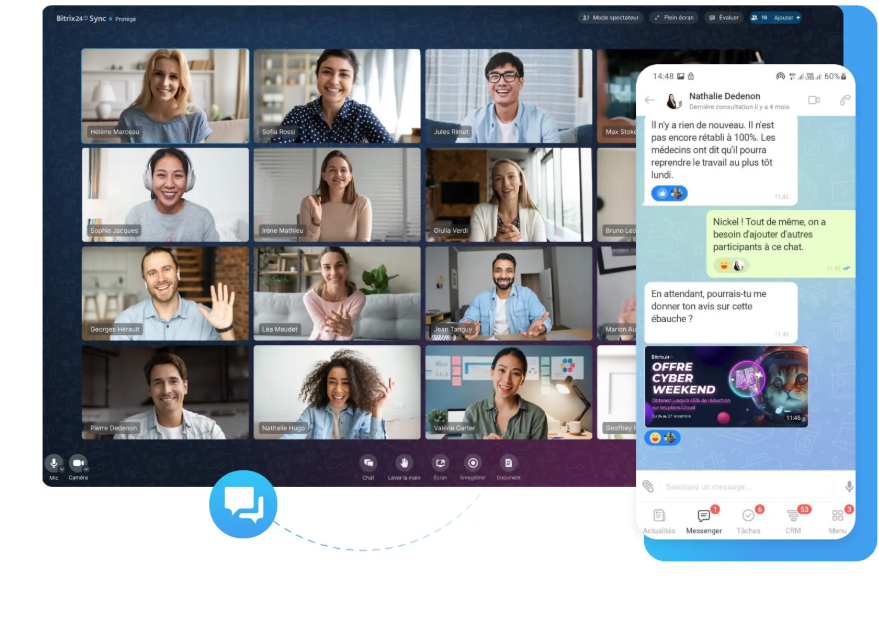
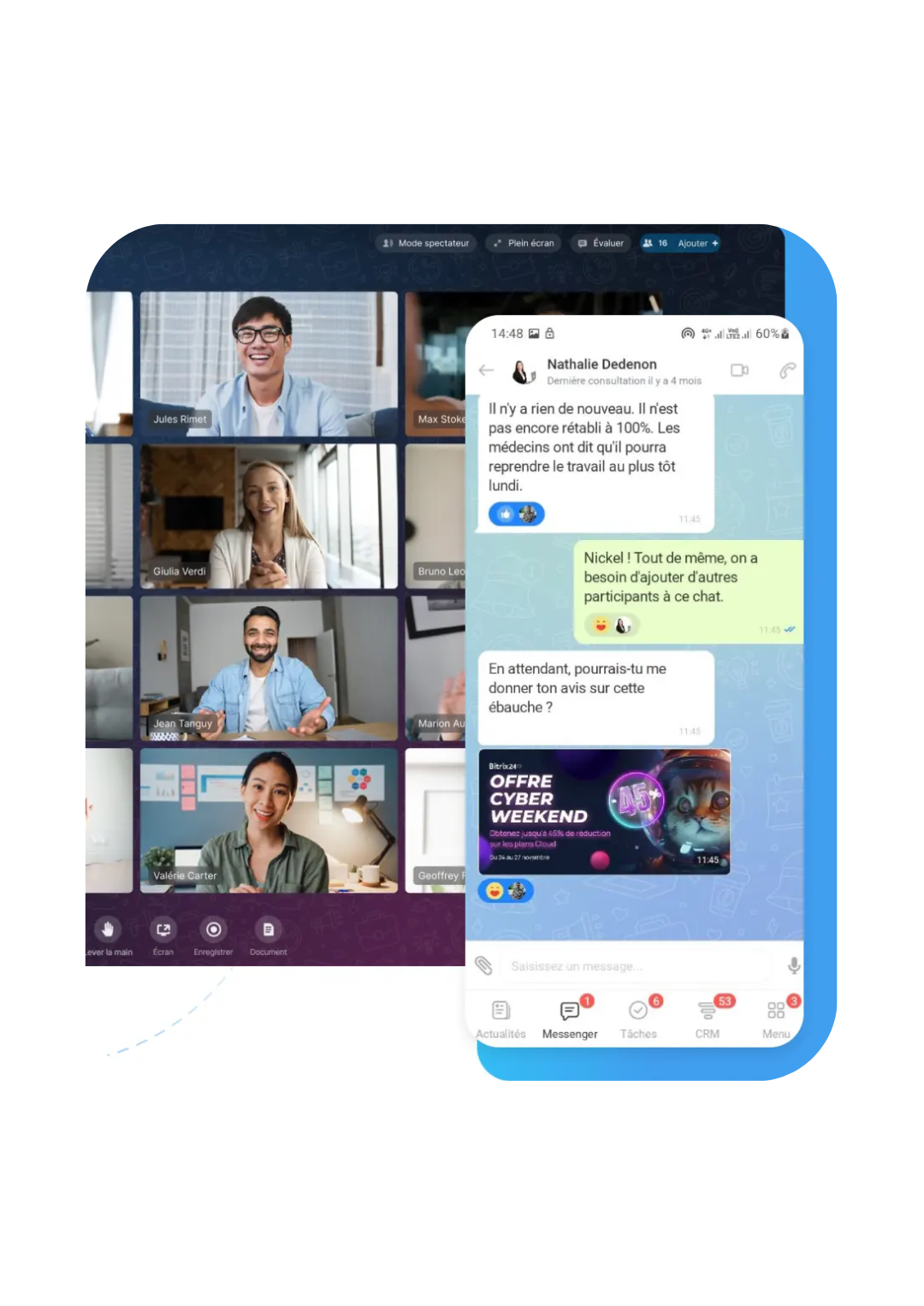
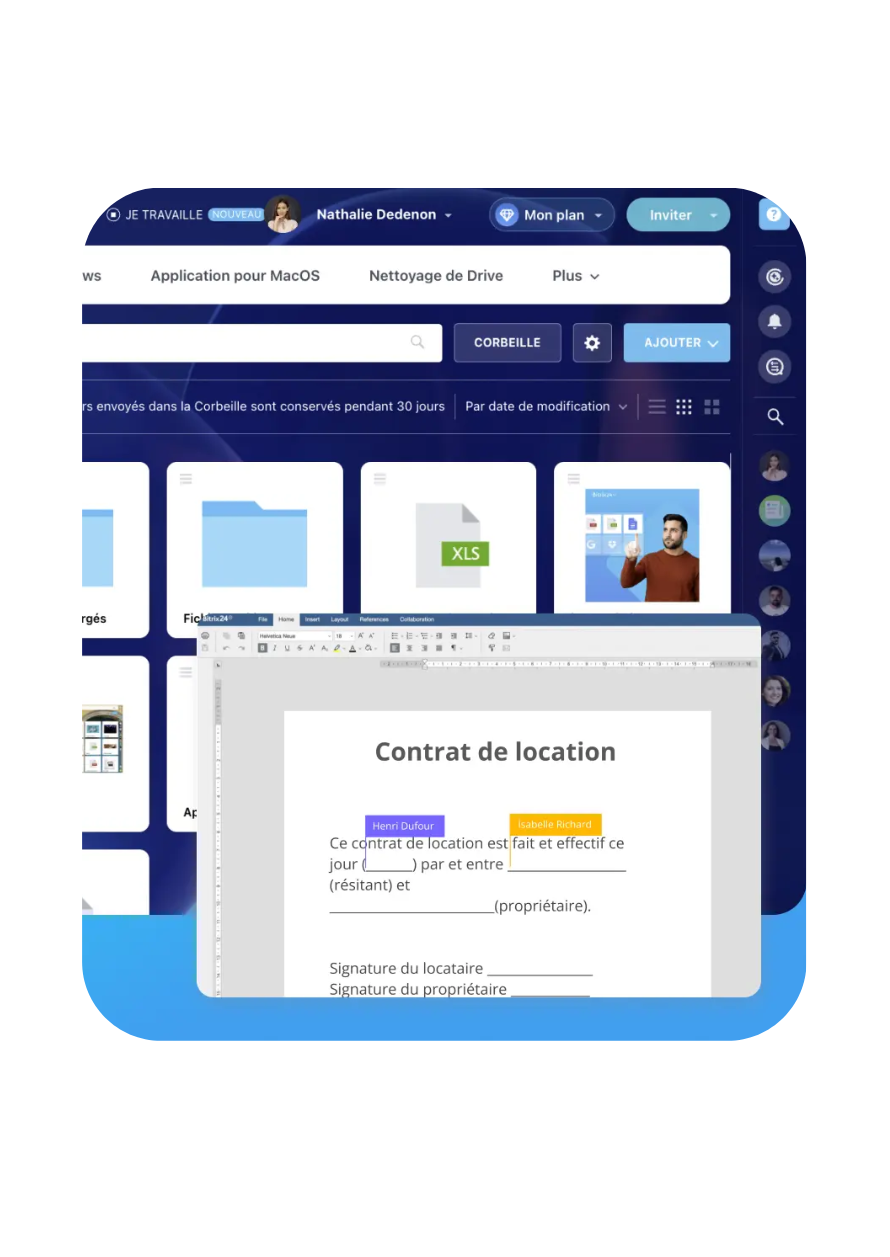
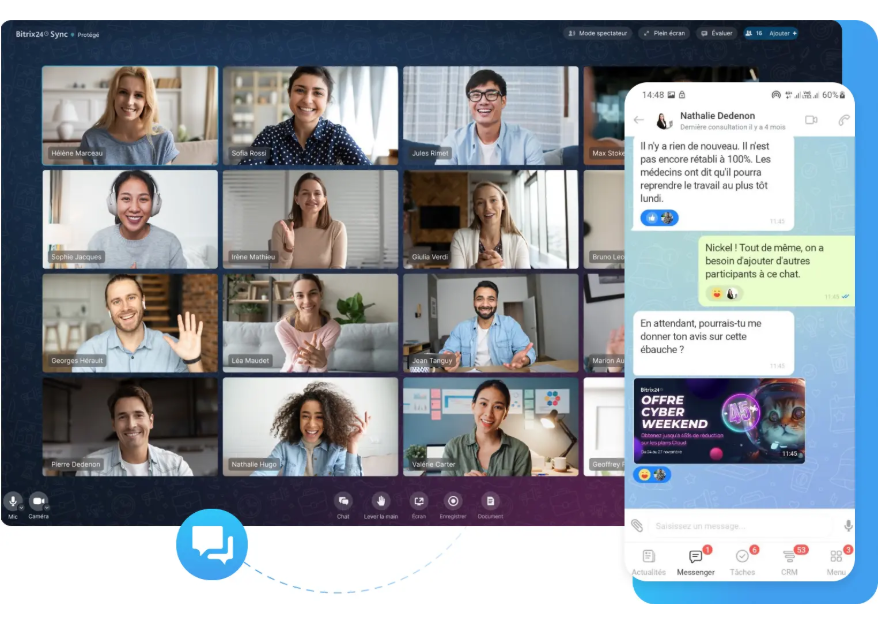
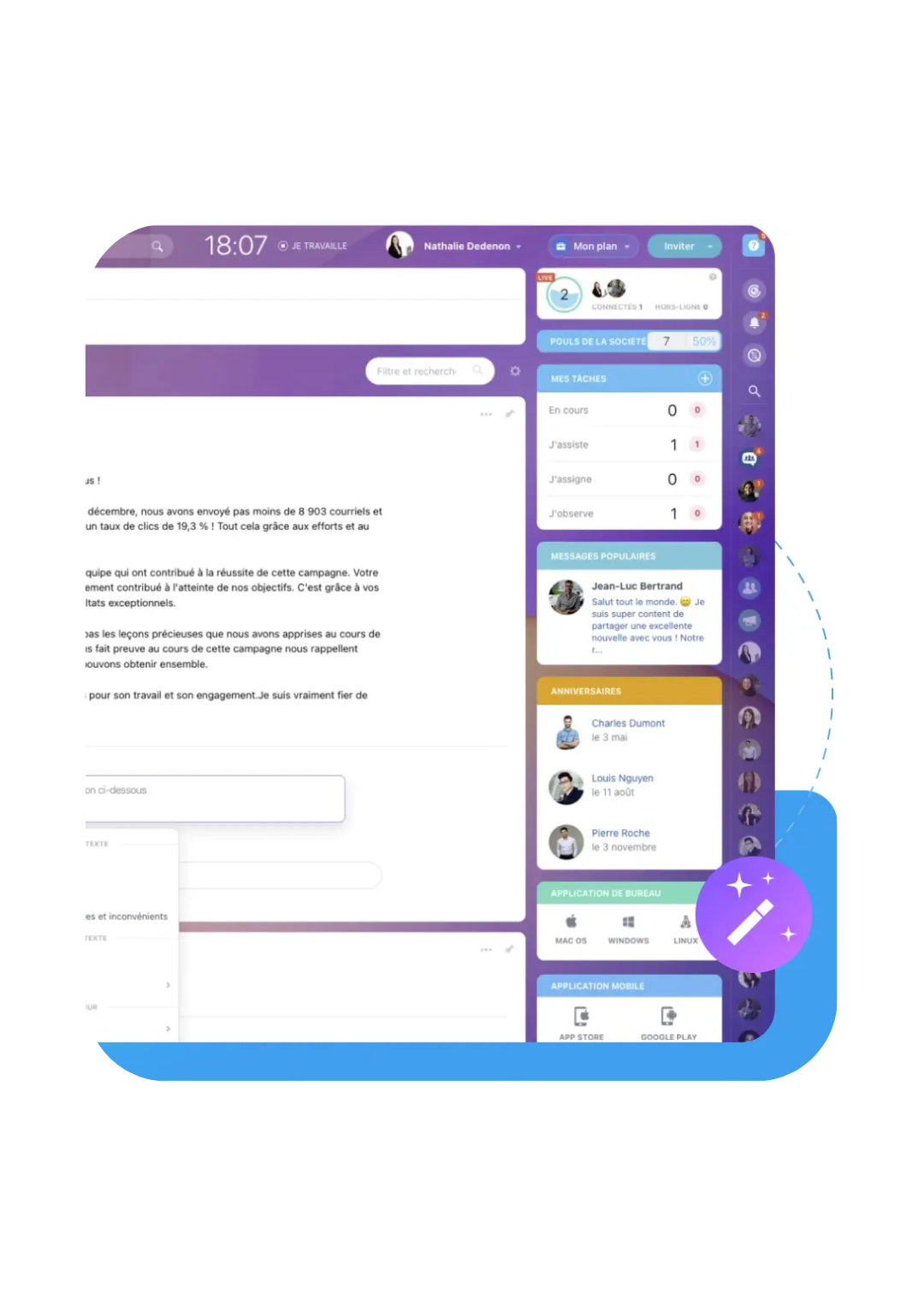
Instant messages, files, reactions and video calls may be available depending on the platform.
Yes. A workgroup can collect people, tasks, documents and conversations related to a project.
That depends on the platform. External access is limited to the spaces and information required.
Google Docs or Microsoft 365 can be connected depending on the configuration and licences the company already uses.
Yes. Roles and permissions reflect the need, the sensitivity of information and the features of the selected solution.
It collects procedures and answers the team uses often, helping people find a shared way of working.
Effective collaboration gives the people involved a shared place for conversations, documents, calendars and decisions tied to their work, in the office and in the field.