Prepare consistent quotations
Describe labour, supplies and subcontracting. Reusable templates can speed up preparation; prices, terms and calculations are checked before sending.

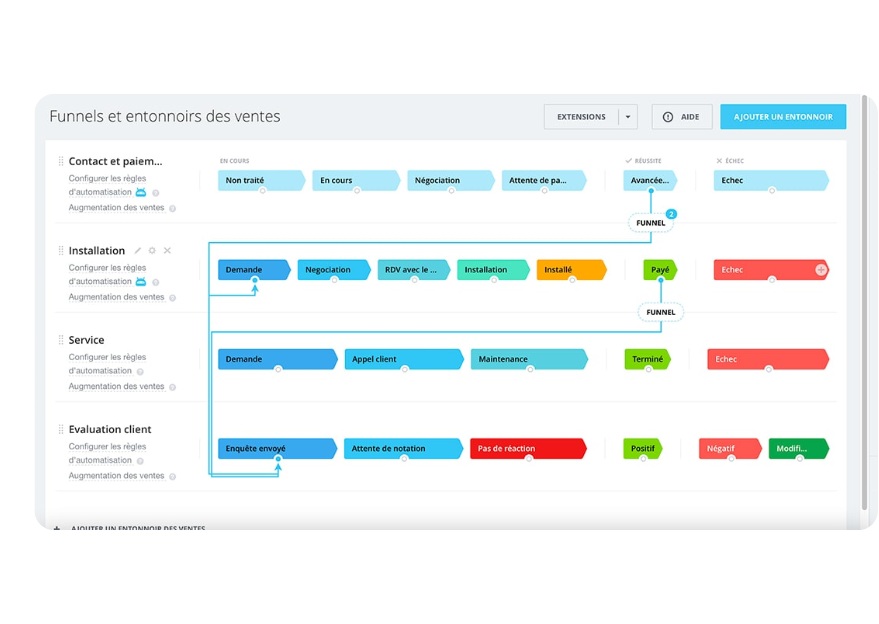
A connected commercial process reduces re-entry between estimating, customer approval, delivery and invoicing. It also makes expected amounts and payments easier to follow.
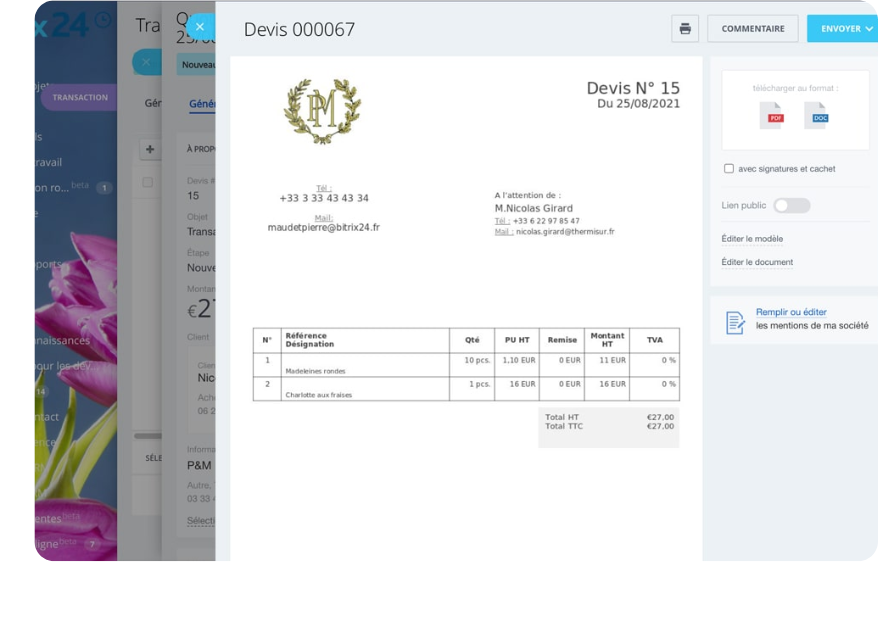
Quotations and invoices are linked to the customer and the job they relate to. Items, approvals, due dates and expected payments remain visible to the people who need them.
Describe labour, supplies and subcontracting. Reusable templates can speed up preparation; prices, terms and calculations are checked before sending.
Keep the quotation status, send date and next action. A follow-up can be planned around the company’s timing and rules.
When a quote is accepted, existing information can be reused to prepare an invoice instead of re-entering the whole record.
For suitable jobs, arrange deposit, progress and final invoices around the agreed commercial terms and project milestones.
Review issued invoices, due dates and payments to confirm. Reminders can be prepared according to the chosen rules.
The link between a quotation, job, billable stages, invoice and expected payment stays visible. This helps identify what needs approval, invoicing or follow-up.
Illustrations from the original OptimaBiZZ pages. Available screens depend on the selected platform and its configuration.
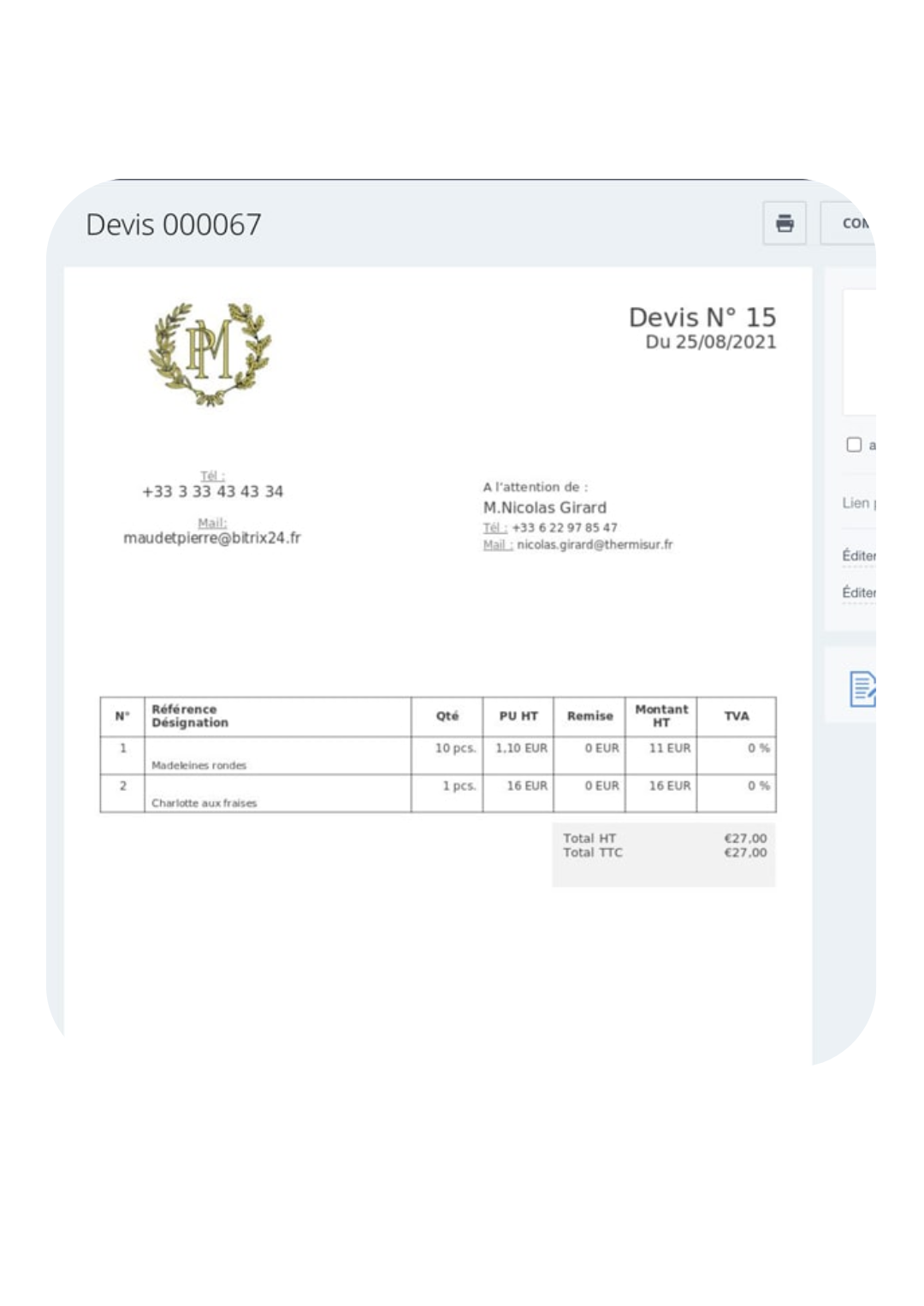
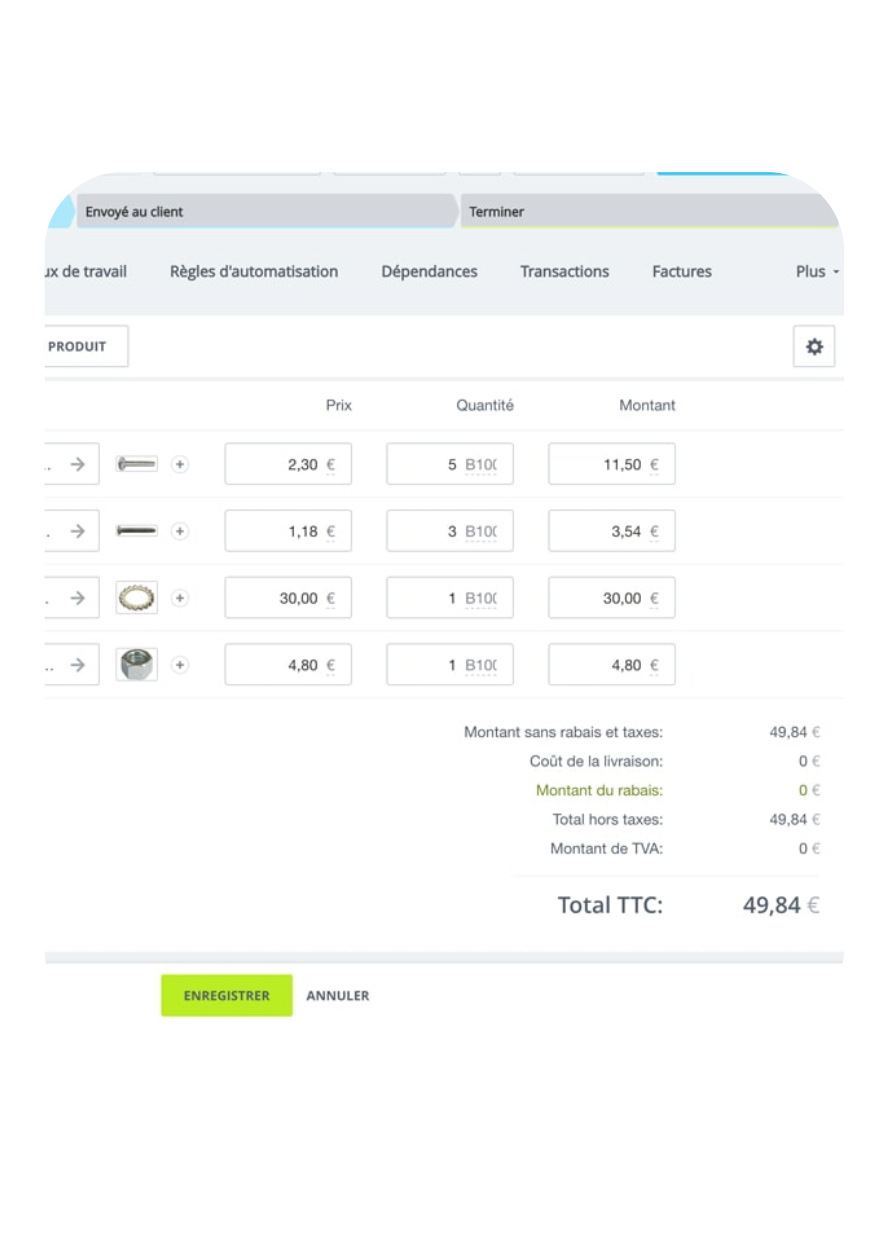
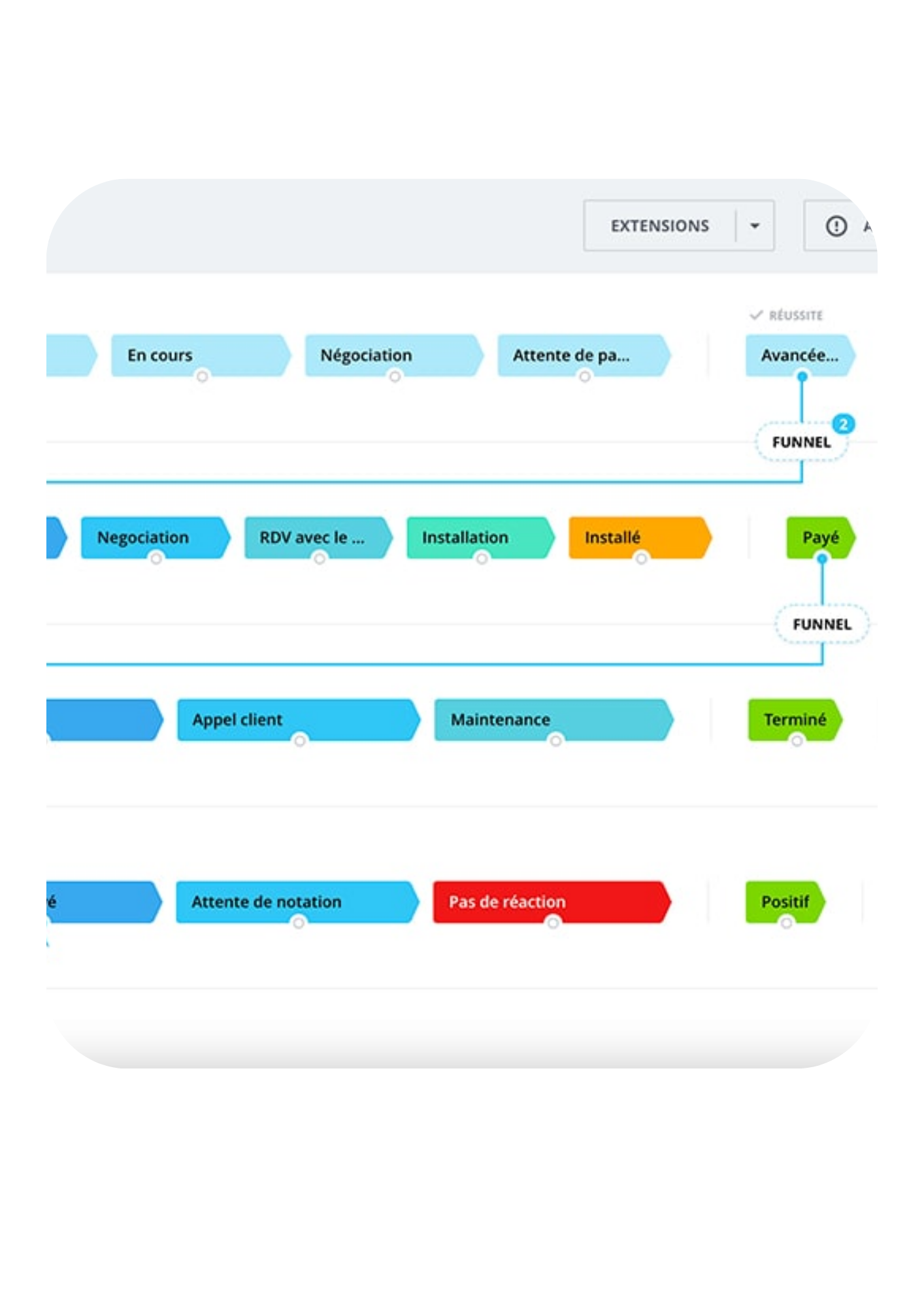
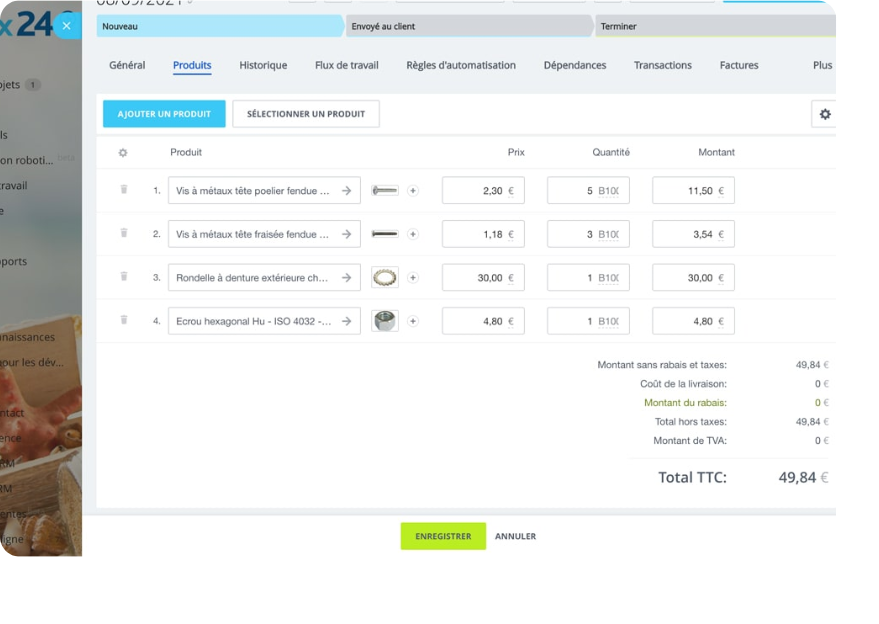
Items for labour, supplies and subcontracting, along with agreed terms. Templates are adapted to the company’s estimating method.
Yes. The customer, job, quotation and invoice can share the same references when the modules and workflow are configured together.
Yes. Information from an accepted quotation can provide the basis for an invoice when the selected platform and configured workflow support it.
Yes. Deposits and progress invoices can follow the agreed milestones and payment terms.
A view of invoices, due dates and expected payments helps identify records to check. Reminders are configured around the company’s rules.
The platform can total items using configured rules. The company checks tax settings and documents before using them.
A connected commercial process reduces re-entry between estimating, customer approval, delivery and invoicing. It also makes expected amounts and payments easier to follow.