Break work into steps
Turn a project or service job into clear actions. Add subtasks, checklists and milestones where they help people complete the work.

A useful plan connects each task to an owner, a due date and the work it moves forward. The team can update progress and make blockers visible.
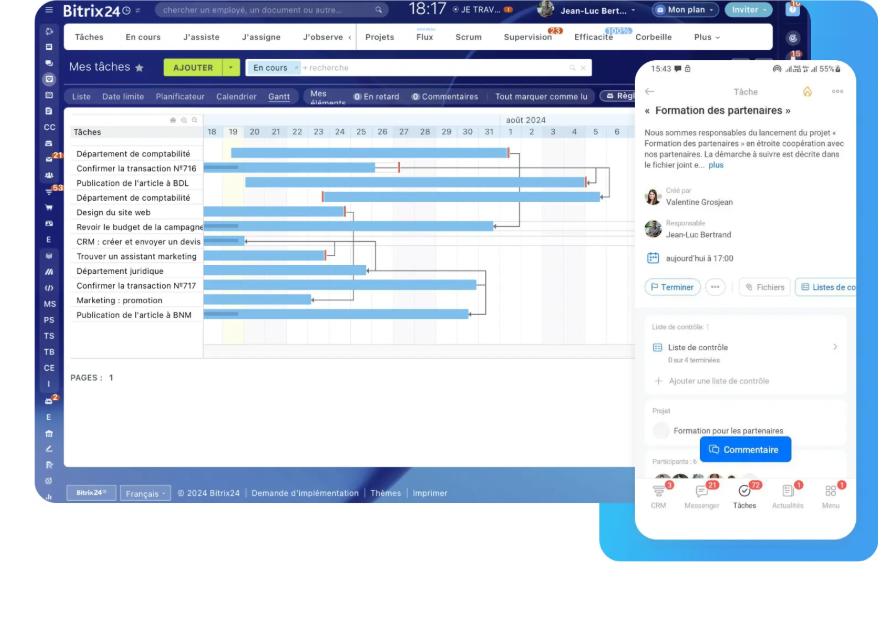
Projects can be broken down into tasks, subtasks, checklists and milestones. Choose views to suit the work: list, calendar, Kanban, Gantt or Scrum where the platform supports it.
Turn a project or service job into clear actions. Add subtasks, checklists and milestones where they help people complete the work.
Set an owner, due date and the people involved. Notifications and reminders are configured around the team’s working habits.
Use a list for daily actions, Kanban or Scrum for work stages, a calendar for workload or Gantt for dependencies where supported.
Owners can update tasks as work proceeds. The team can spot delays, dependencies and decisions still waiting.
Templates can carry forward recurring task and project steps. An AI assistant may suggest a first checklist or summary for the team to review.
For each action, the team can see the owner, due date, status and relevant dependencies. Planning supports field communication; it does not replace it.
Illustrations from the original OptimaBiZZ pages. Available screens depend on the selected platform and its configuration.
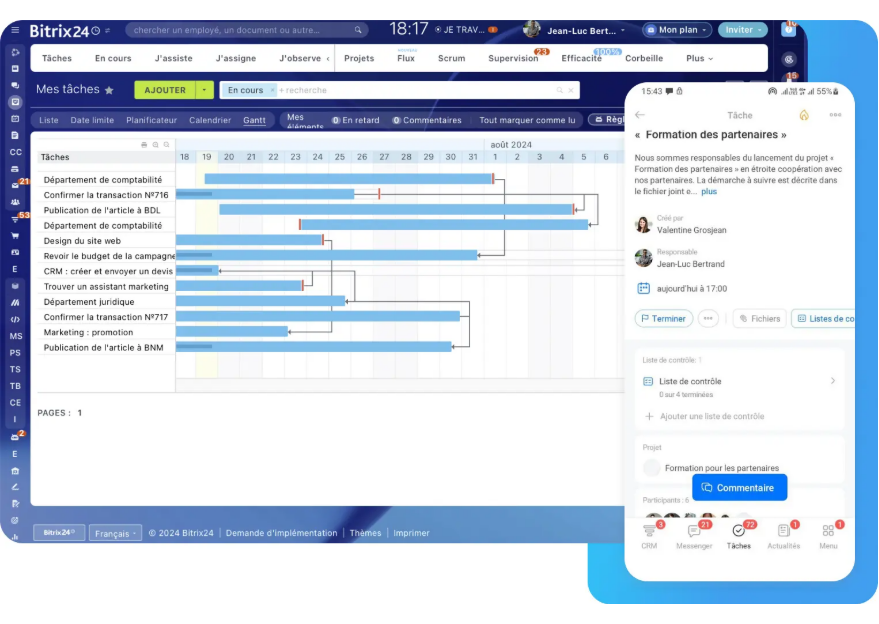
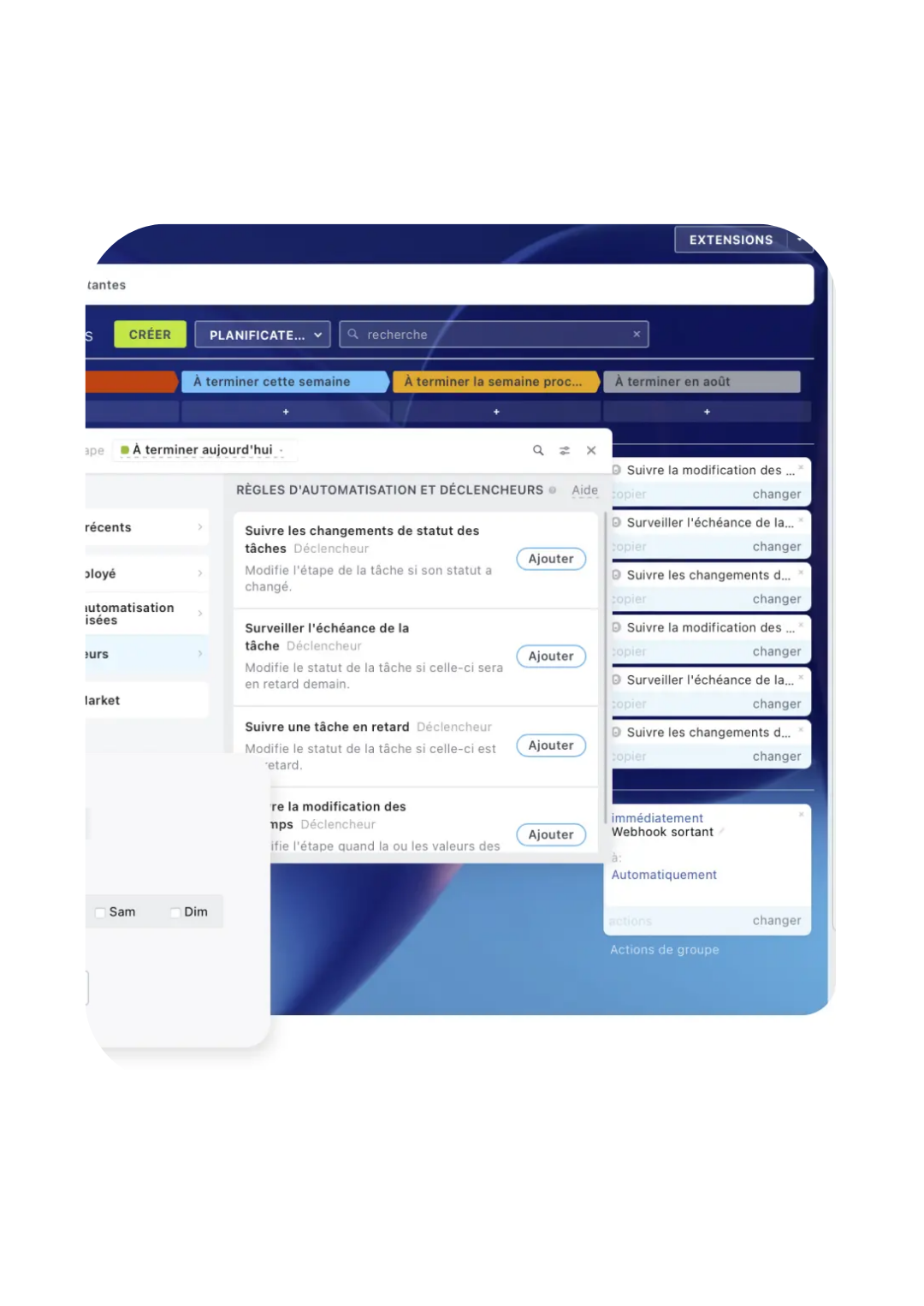
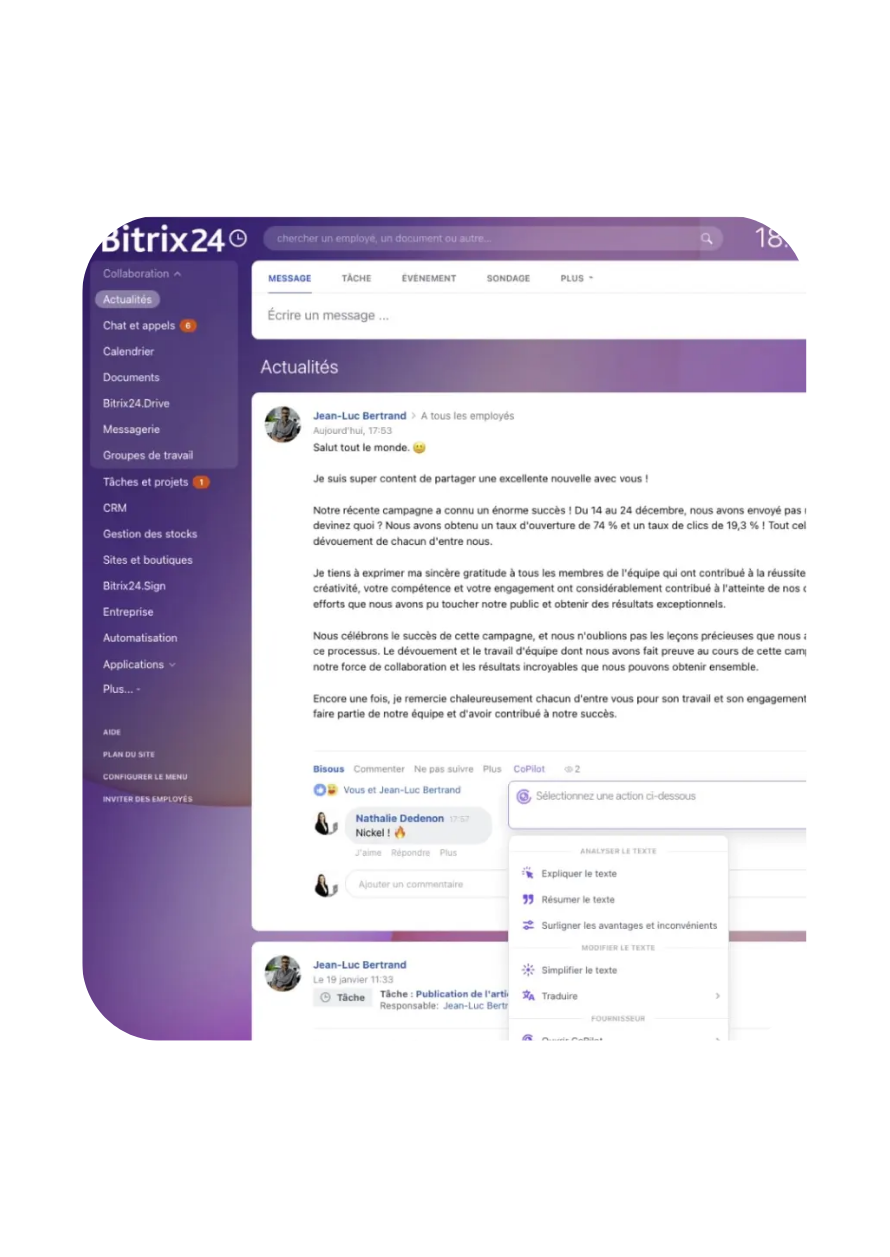
Depending on the platform, a project can be shown as a list, calendar, Kanban board, Scrum view, Gantt chart or another available view.
Yes. Projects can be divided into tasks, subtasks, checklists and milestones.
Actions can have an owner, date and status. Notifications and permissions follow the agreed workflow.
Time tracking can be enabled if the selected platform supports it and the company wants it as part of its working practice.
Yes. Templates, reminders or status changes can be configured for recurring work.
It can help draft task descriptions, checklists or project summaries. Owners review the content and plan.
A useful plan connects each task to an owner, a due date and the work it moves forward. The team can update progress and make blockers visible.